The image editor that lives in your browser.
Layers, masks, curves, brushes, 50 templates and a full AI toolkit — with nothing to install, no account to make, and no upload step. Open a tab and start editing.
Open the editor or see the AI at work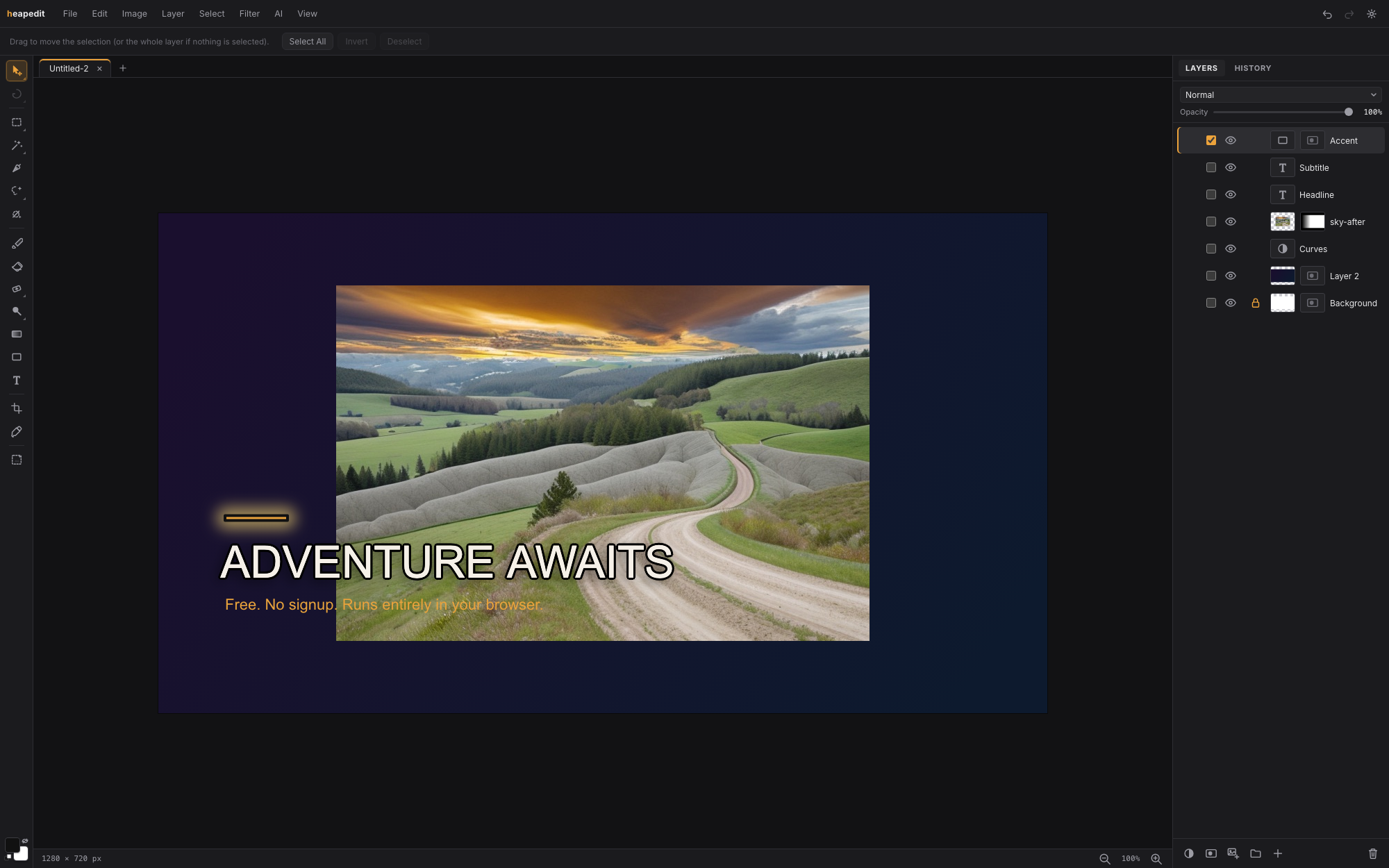
Drag the slider. These are real, unretouched results.
Every before/after below was produced by heapedit's built-in AI workflows, exactly as you'd get them in the editor — no hand-picked stock imagery, no cleanup afterwards.

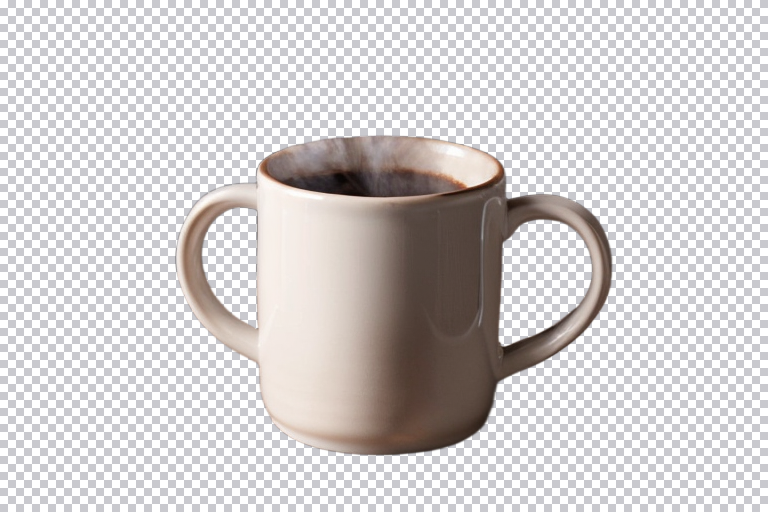 BeforeAfter
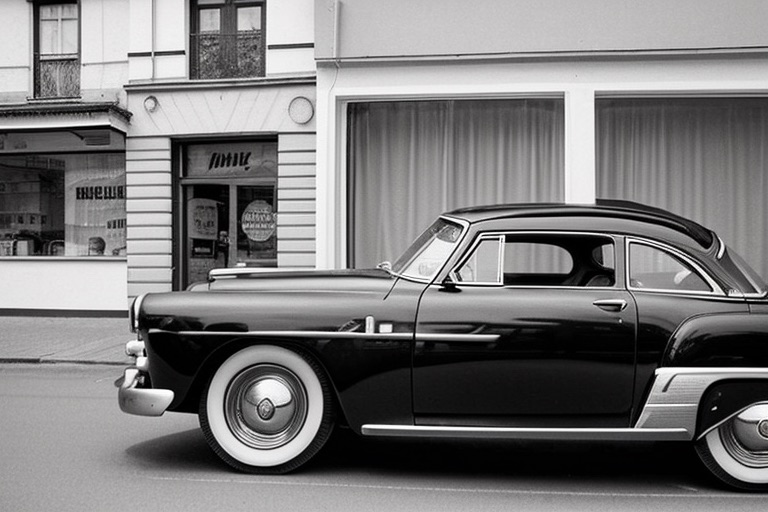
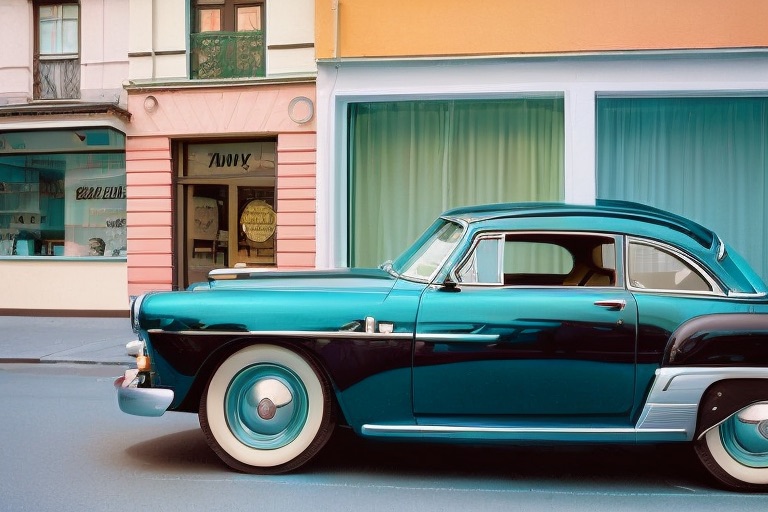 BeforeAfter
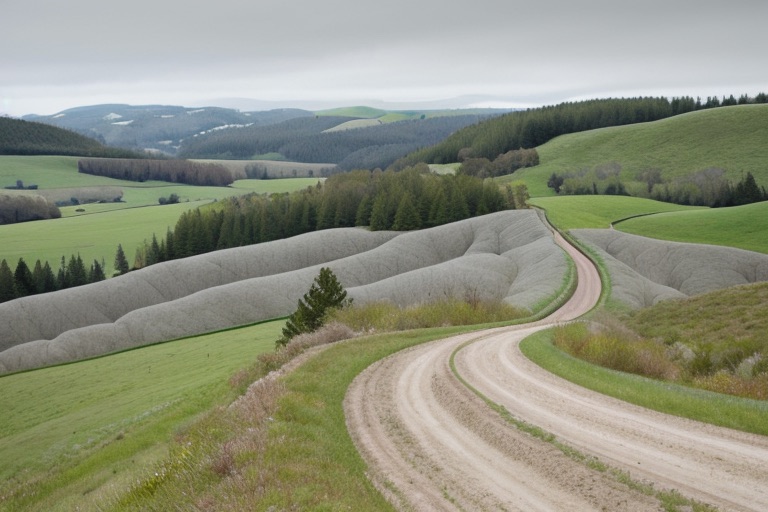
 BeforeAfter
Generated with the built-in workflows against a stock ComfyUI server. Source photos are AI-generated too — the whole page is reproducible.
Everything you'd expect from a serious editor.
Not a filter app. heapedit is built like the desktop tools you already know — documents are stacks of layers, every edit is undoable, and the deep cuts are here: curves per channel, clone stamp, blend modes, smart filters.
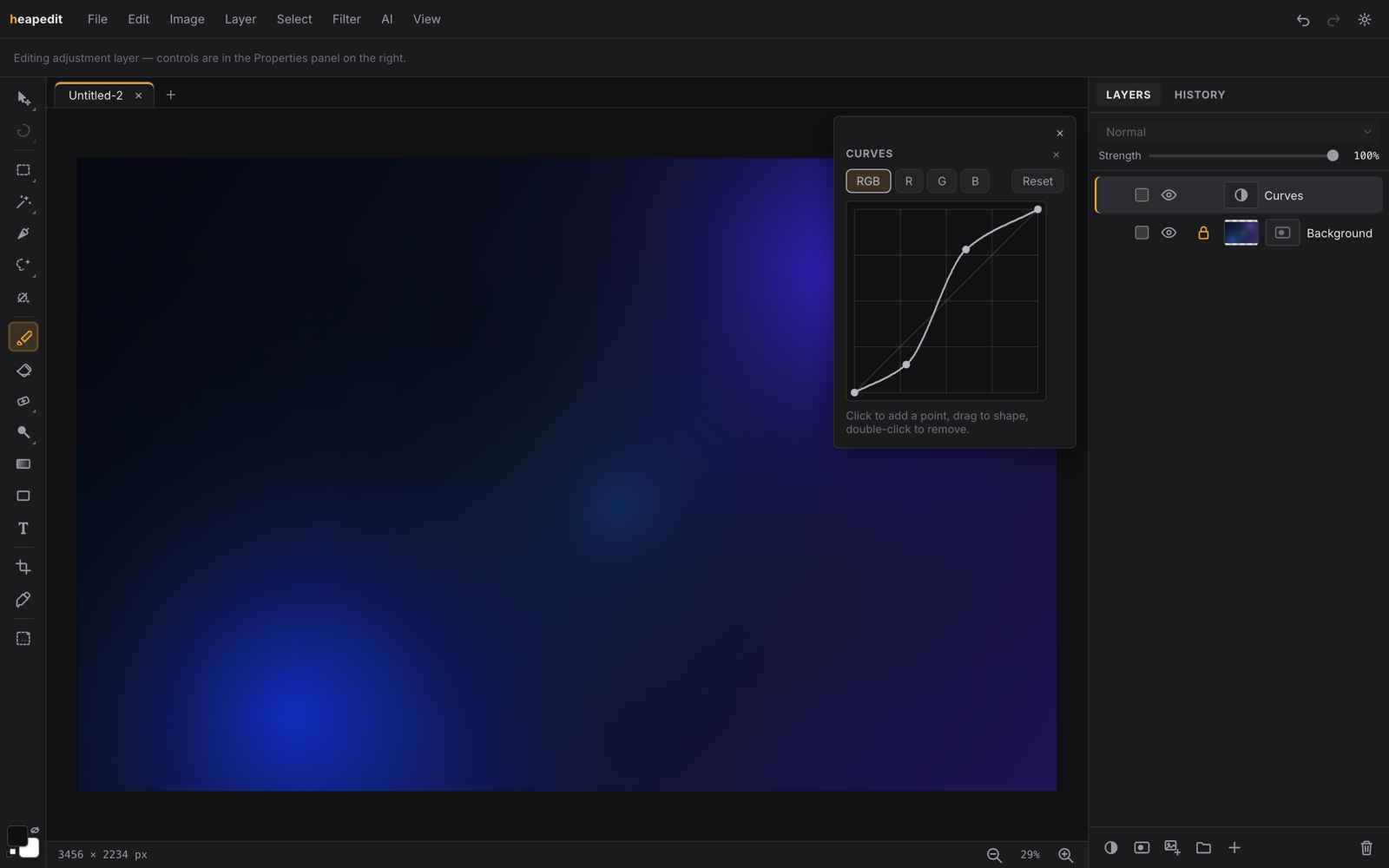
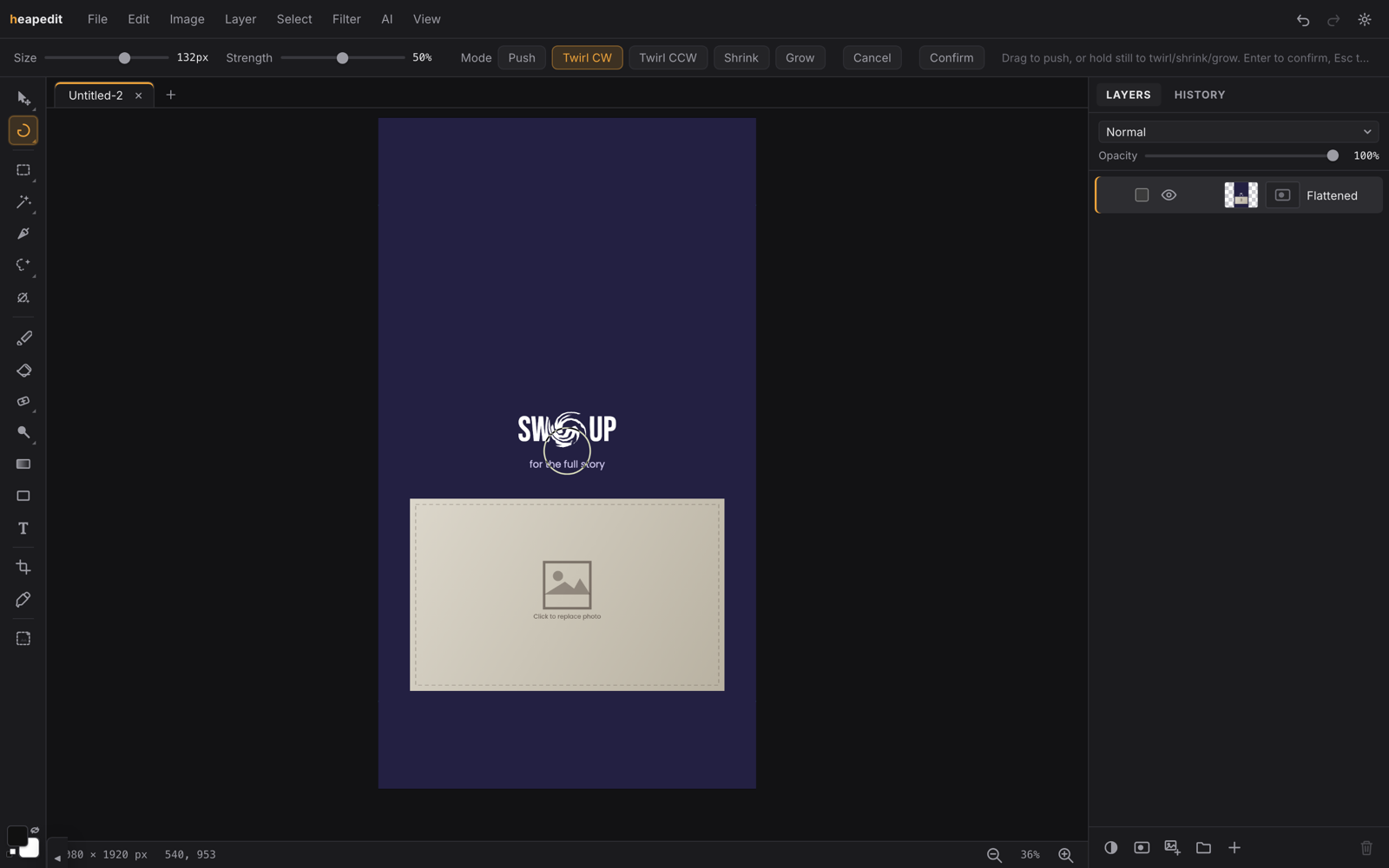
25 tools. The full rail.
Every tool in the rail, grouped the way you'd reach for them. All keyboard-shortcutted, all undoable.
Select & mask
- Rectangular Select
- Lasso
- Magic Wand
- Selection Brush
- Pen bezier paths to selections
- AI Select type what to select
- AI Point Select click the object
Transform & warp
- Move
- Transform scale, rotate, distort
- Crop
- Liquify push, twirl, shrink, grow
- Puppet Warp pin and bend
Paint & draw
- Brush pressure-aware
- Eraser
- Gradient
- Shape
- Text bundled webfonts
- Eyedropper
Retouch & AI
- Spot Healing Brush
- Clone Stamp
- Dodge / Burn / Sponge
- AI Remove brush over it, it's gone
- AI Generate Layer prompt to pixels
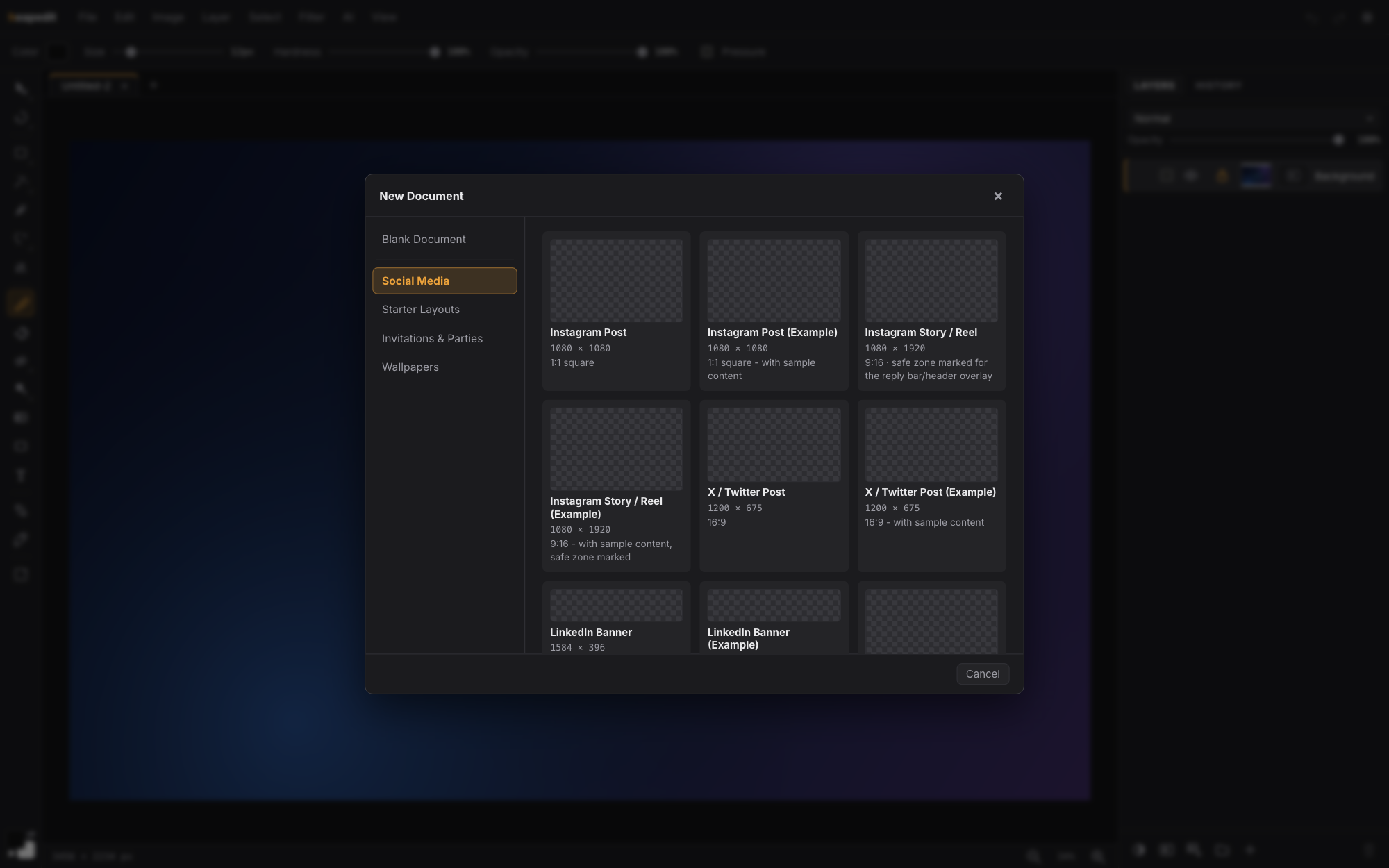
Start from the right canvas, not a blank one.
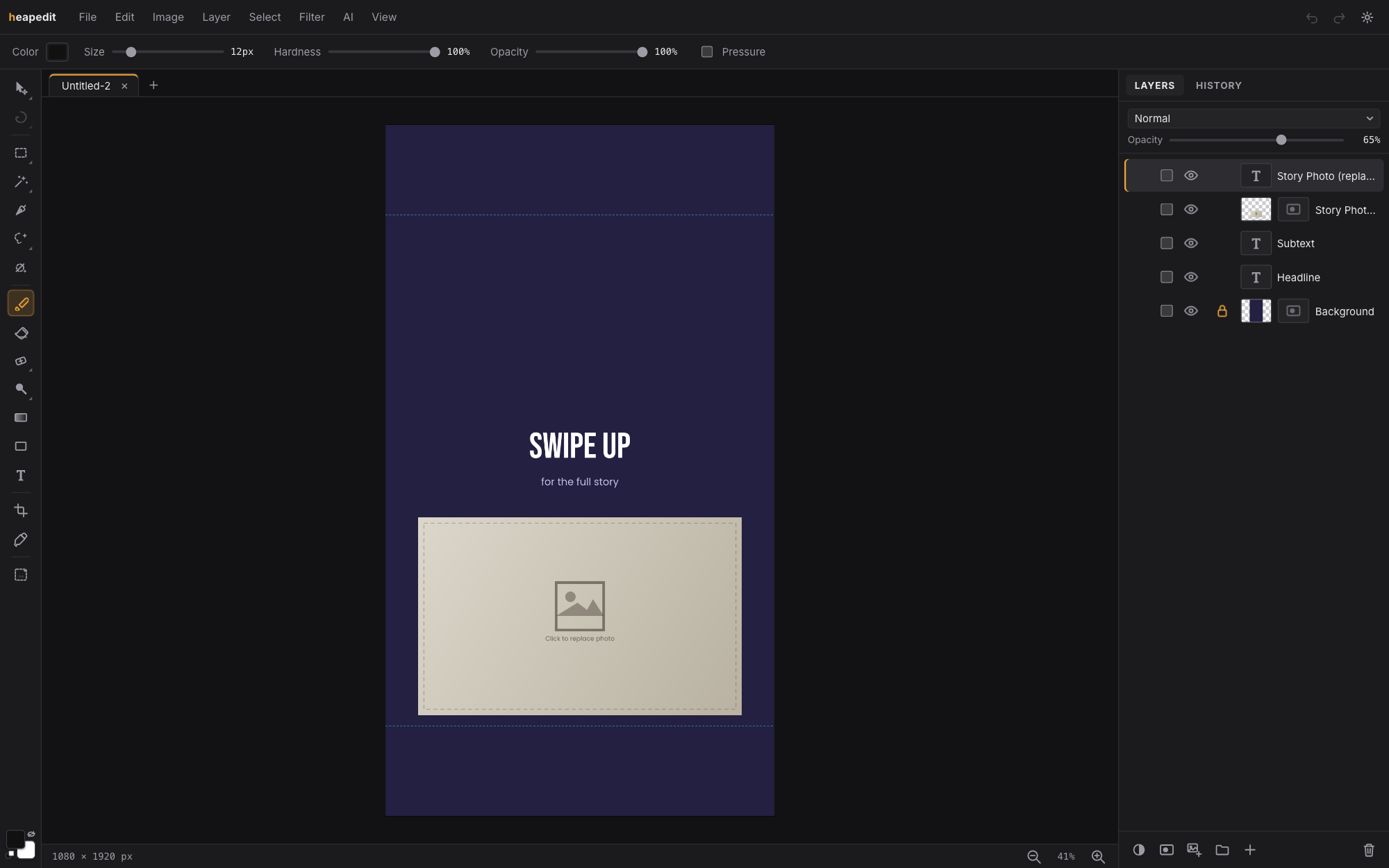
50 templates with platform-correct sizes and safe-zone guides where each platform overlays its own UI — plus Mac and iPhone wallpapers at native panel resolution, so the export is directly usable. Every card below opens that template in the editor.
Bring your own AI server.
heapedit's AI tools connect to a ComfyUI server you run — on your own hardware, under your own control. There's no hosted service in the middle, no quota, and no image ever sent to anyone but you. Every feature's workflow is swappable: paste your own ComfyUI graph and it runs instead of the built-in one.
Setup is two steps: start ComfyUI with --enable-cors-header,
paste its address into AI Settings. Everything else works without any server at all.
The short version.
Is it really free?
Yes. The editor is free to use with no account, no trial clock and no watermark on exports. It runs entirely in your browser tab.
Where do my images go?
Nowhere. There is no upload step — files are opened and edited locally in the tab, and saving writes back to your device. The only network traffic the editor ever makes for your images is to an AI server you configured, if you use the AI tools.
What do I need for the AI features?
A ComfyUI server you run
yourself — a gaming PC or an Apple Silicon Mac works. Start it with
--enable-cors-header, paste its address into AI Settings, done.
Everything outside the AI menu works with no server at all. See the
AI server setup guide for exactly which custom nodes
and models each feature needs.
Can I use my own ComfyUI workflows?
Yes. Every AI feature's workflow is swappable per feature — paste your own graph in AI Settings and heapedit runs it instead of the built-in one, feeding it the same image and mask inputs.
Your images never leave your device.
All editing happens in the browser tab — there's no upload, no account, and no server-side processing to trust. Close the tab and nothing is left behind but your own saved files.
Open the editor